

My Home Telecom App
– How to Set Up Your Router Using MyApp-
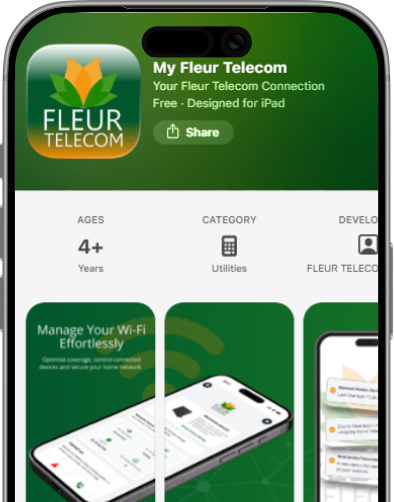
How to add your own router to the My Fleur Telecom App
If you’ve got a router from us, it should already be linked to your account. That means when you log into the My Fleur Telecom app, your router will connect automatically.
If it hasn’t connected, or you’re using a third-party router (eg: one from a previous provider), just follow the steps below to add it.
Getting started
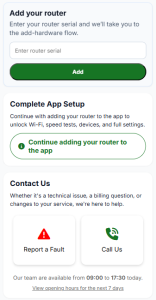
What happens next?
We’ll run a few quick checks in the background. When we can find your router, the app will automatically refresh and link it to your account and you’ll be ready to manage your connection.
If your router isn’t found automatically
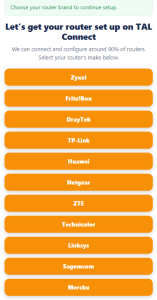
Setting up your router
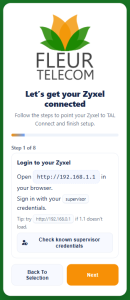
Final steps
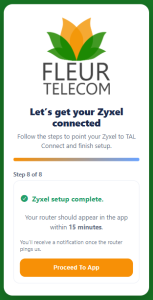
After completing all the steps, you’ll reach the final screen
Still having trouble?
Our technical support team will be happy to help. You can use the “call us button” on the app during our office opening hours:
Or you will be prompted to raise a support ticket if our offices are closed and one of our team will get back to you as soon as possible. You can also contact us on 0333 320 4020.
